Walk before you scroll.


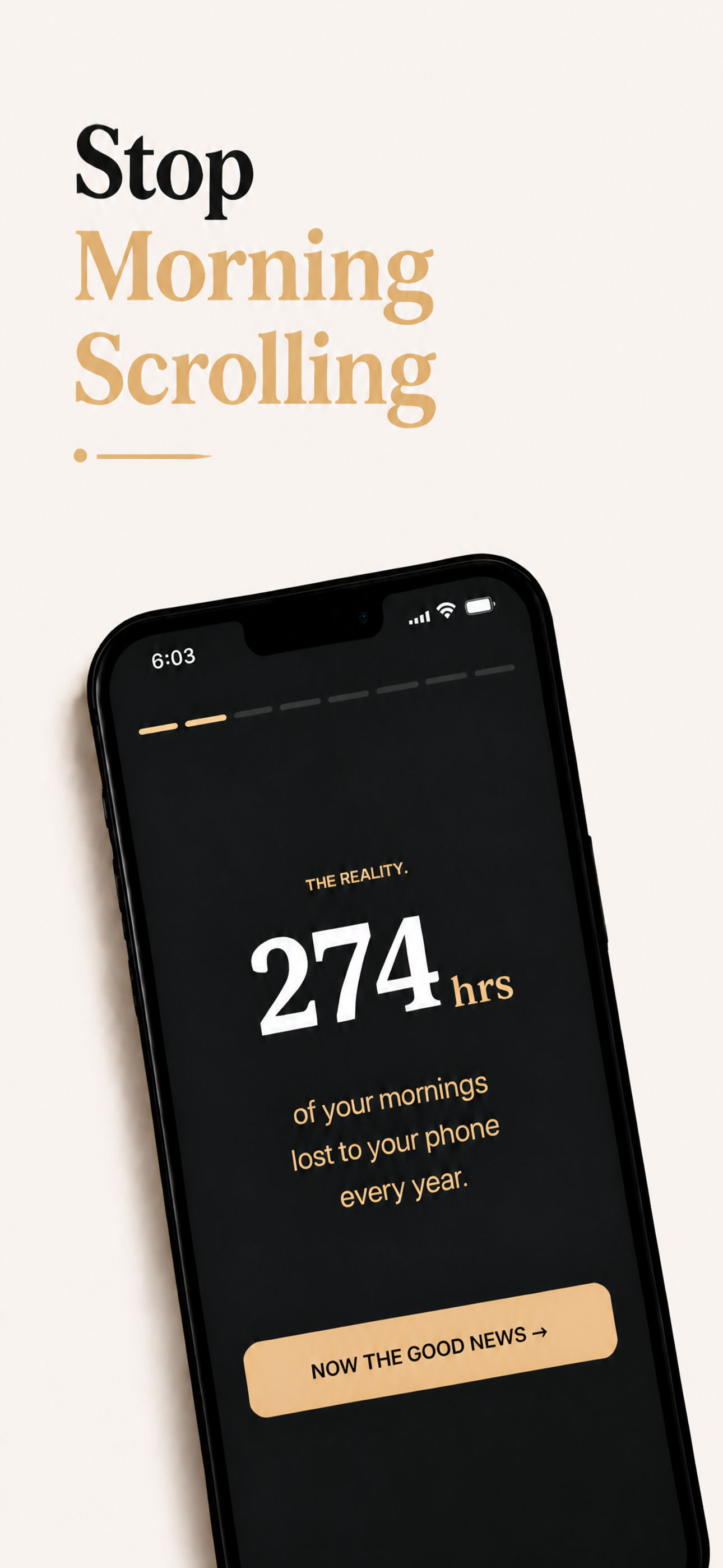
You want your mornings back.
Here's why the standard approach doesn't stick:
Easy to ignore.
Easy to reinstall.
Easy to undo.
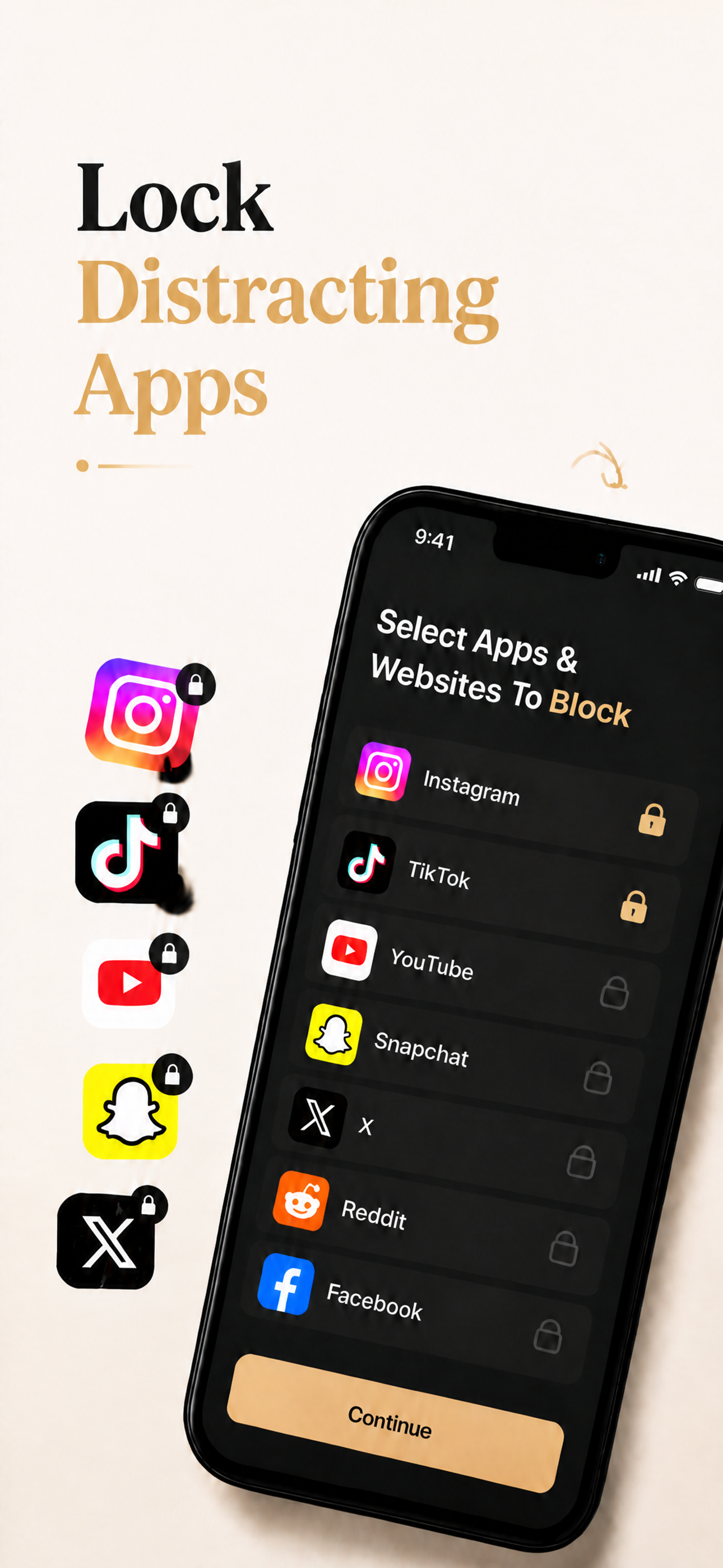
Every standard limit is too easy to bypass. Luxen solves this by locking your apps until you physically walk outside.
Introducing Luxen
A morning protocol that temporarily locks distracting apps from your phone until you walk outside.
Screen Time API
Native iOS Family Controls integration.
Privacy First
All personal data stays on your device.
Emergency Bypass
Sustained Face ID verification lifts blocks.
No Account Required
Get started immediately without signing up.
Custom Modes
Select apps to block and lock schedules.
Distance Anchor
Locks lift only when you move 100m away.
How it works
Luxen in 3 simple steps:
1. Choose apps
Select the apps you want to block and define your morning routines.
2. Walk outside
Your selected apps lock automatically. They only unlock once you walk 100m away.
3. Live fully
Get natural light, movement, and focus before entering the feed.
One protocol. Every morning, protected.
Deep focus
Block distractions during critical tasks.
Better sleep
Wind down without the late night scroll.
Morning clarity
Start the day with activity and fresh air.
More life
Make time for the things that help you grow.